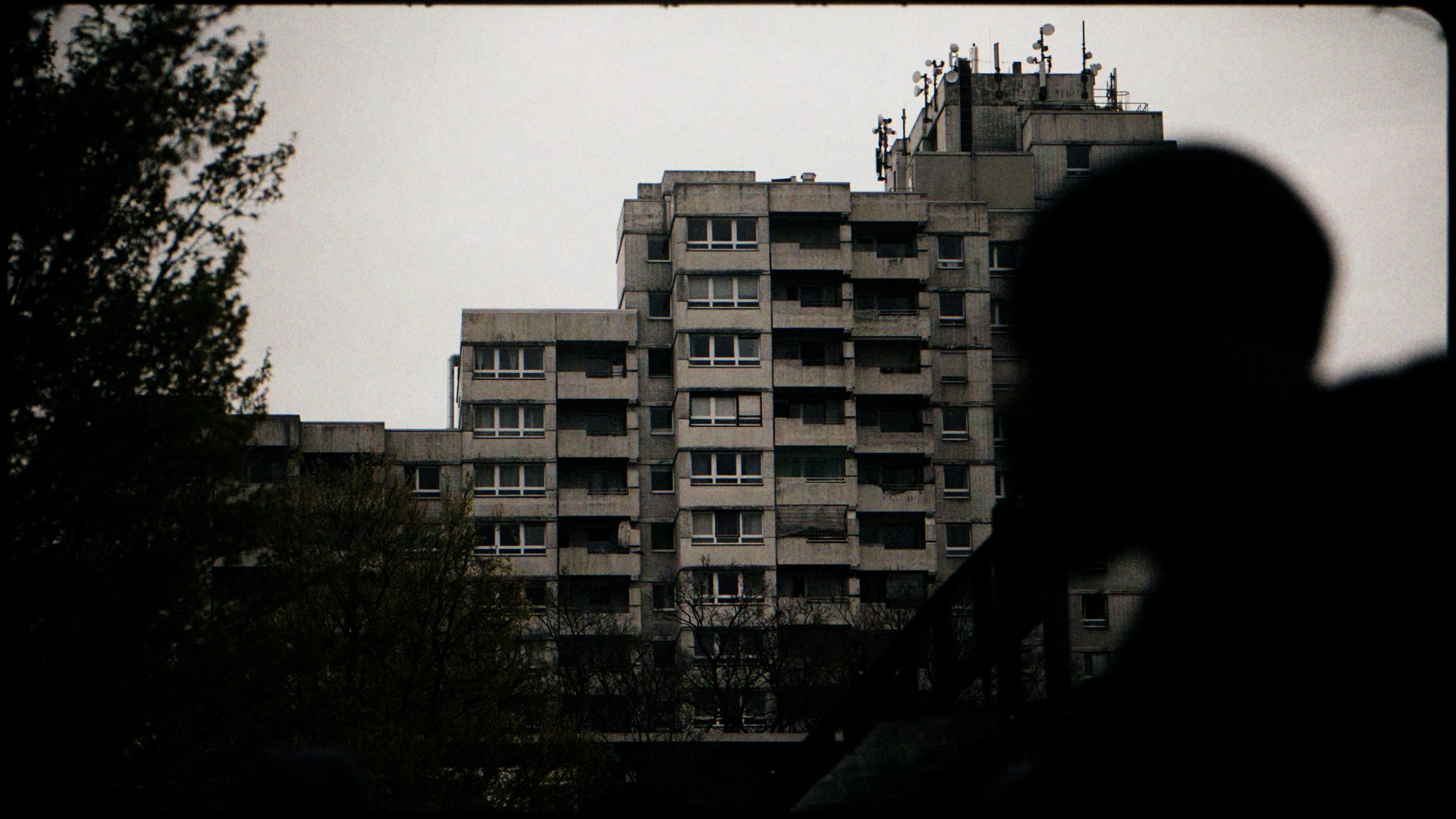
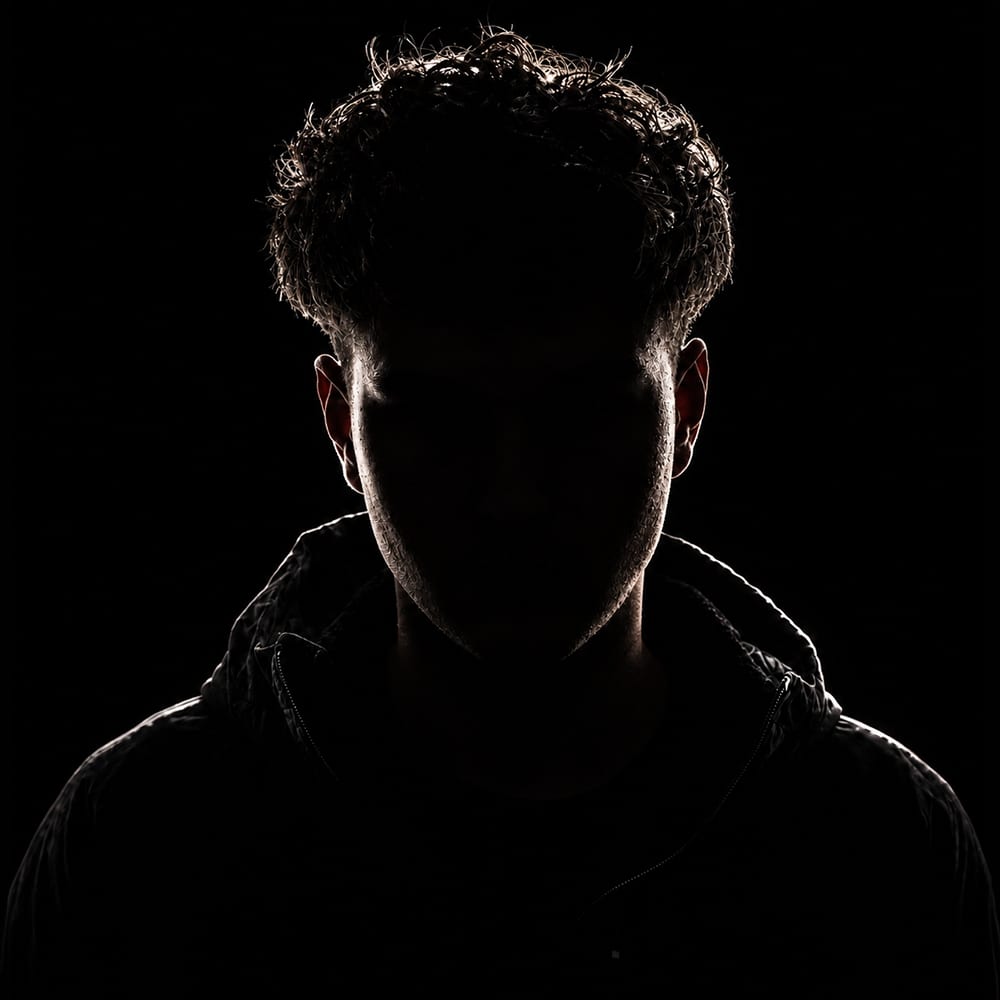
The person behind Lossvisuals.
I'm Loss. A videographer & editor from Erfurt, Germany, since 2017. Editing, VFX and color grading — all by one person.
My Story
01
I started in 2017, no film school, straight onto real sets. Working with artists who didn't have big budgets, learning how to make something good with what's there. Shooting, editing, directing, post, all of it myself.
02
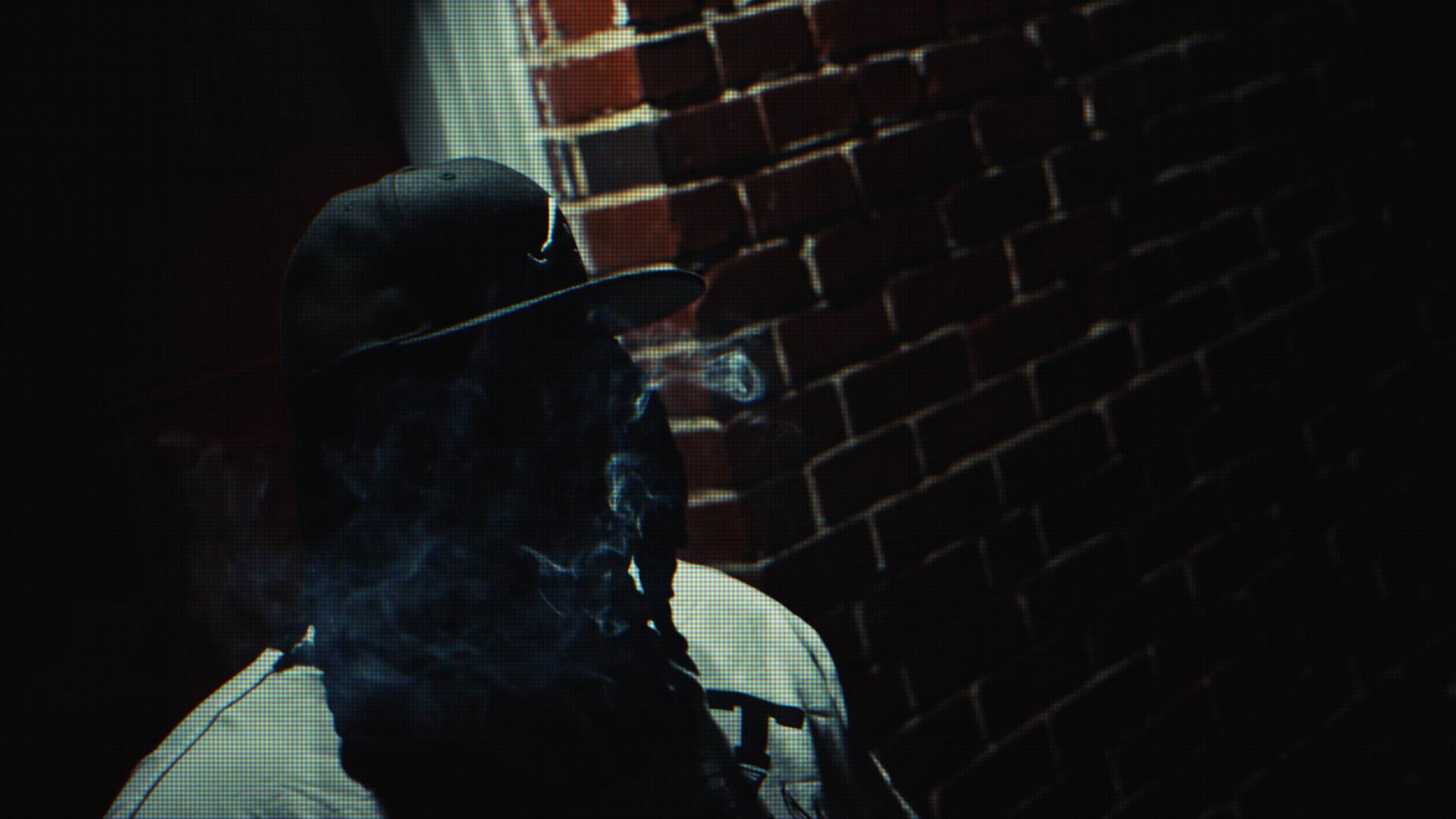
The reality of the music video scene shaped my approach: budgets are almost always limited, perfect conditions rarely exist. Out of that practice, my signature developed: dark imagery, cinematic looks, deliberate use of blur, grain, and reduced color. A recognizable style comes from clear decisions held consistently over time.
03
Over the years I've built real connections with people I trust. Colorists, VFX artists, DoPs, editors, 3D artists, people I've worked with on actual projects. When a production needs more than I can do alone, I bring in the right people. But the direction, the vision, and the look stay mine. However big the team gets, it's still a Lossvisuals film — my touch is always in it.
04
In 2026 I founded Lossvedia in Erfurt. Real estate photography, drone work and property films for agents and owners across Thuringia, Germany. A different subject, the same way of working: every frame gets built, not ticked off.
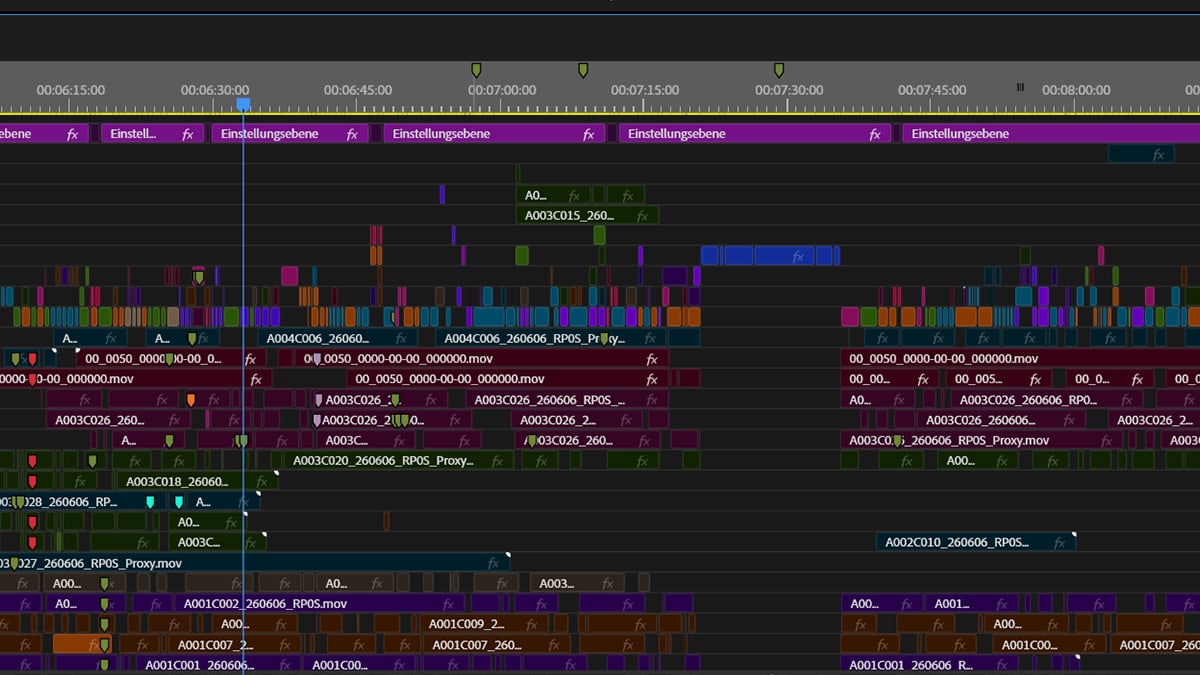
The goal is always the best possible result — no matter what it takes. Whatever the project needs, that's what happens. No exceptions.
Network
Who joins in.
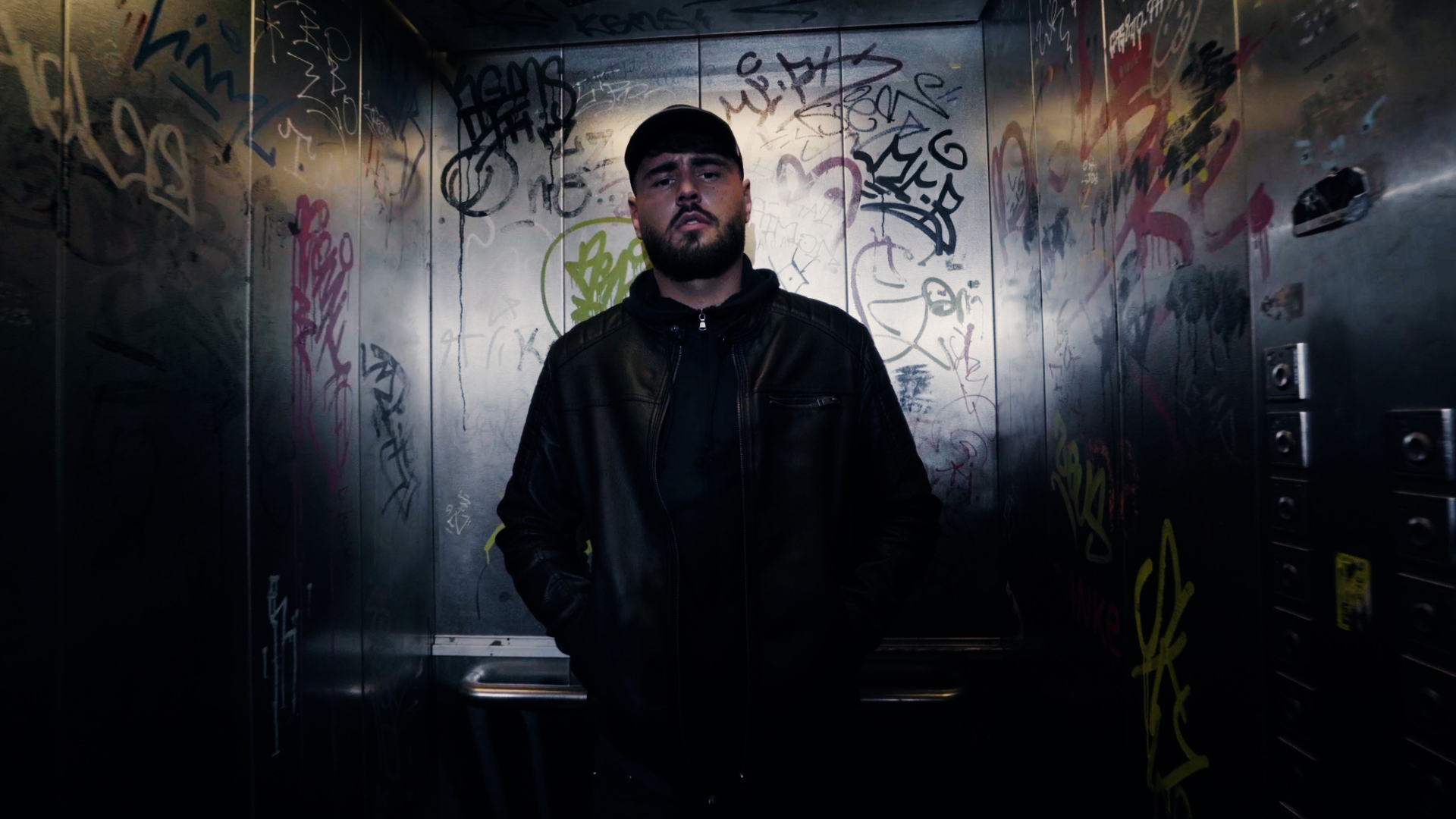
I work solo, but I coordinate a network of 25+ creatives I trust. When a project allows for it, I bring in specialists: colorists, editors, VFX artists, DoPs or whole agencies. They amplify my vision, they don't replace it. Creative direction stays with me — every production carries my signature.


Free Tools
Two Chrome extensions I built for my own work and put in the store for free.
Rule of Thirds Grid
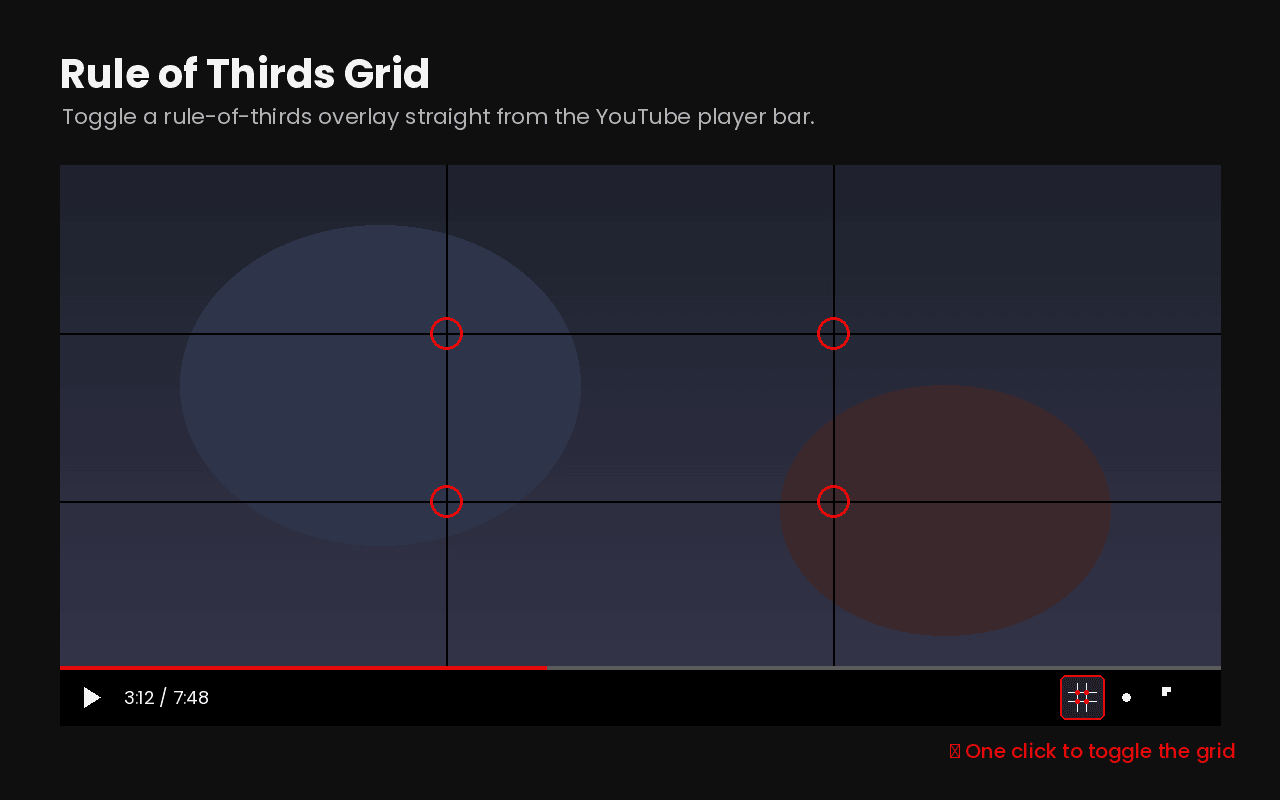
A 3×3 rule-of-thirds grid straight over the YouTube player. One click in the player bar turns it on, the four intersections are marked red, and it scales in fullscreen.
See the tool →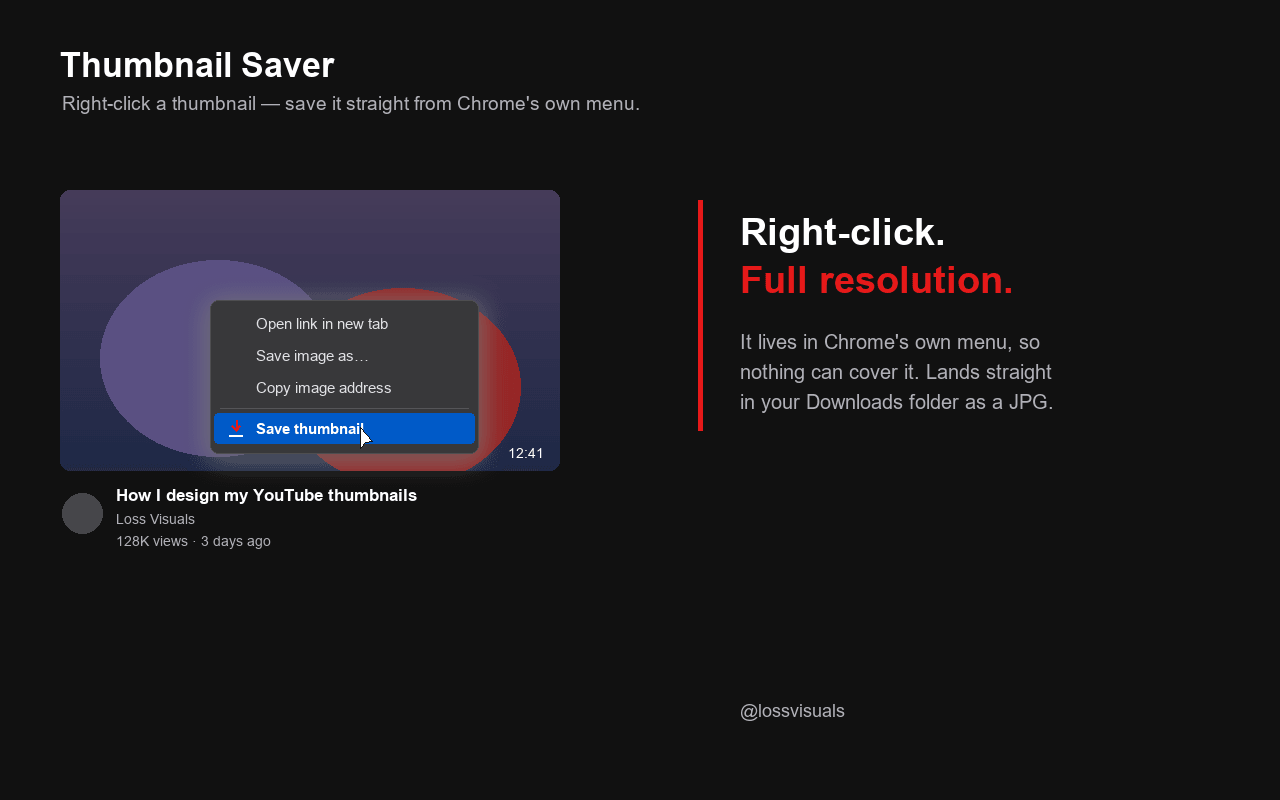
YouTube Thumbnail Saver
Right-click any YouTube thumbnail, hit "Save thumbnail", done. Downloads the image at the highest resolution available as a JPG into your Downloads folder.
See the tool →