
Rule of Thirds Grid for YouTube.
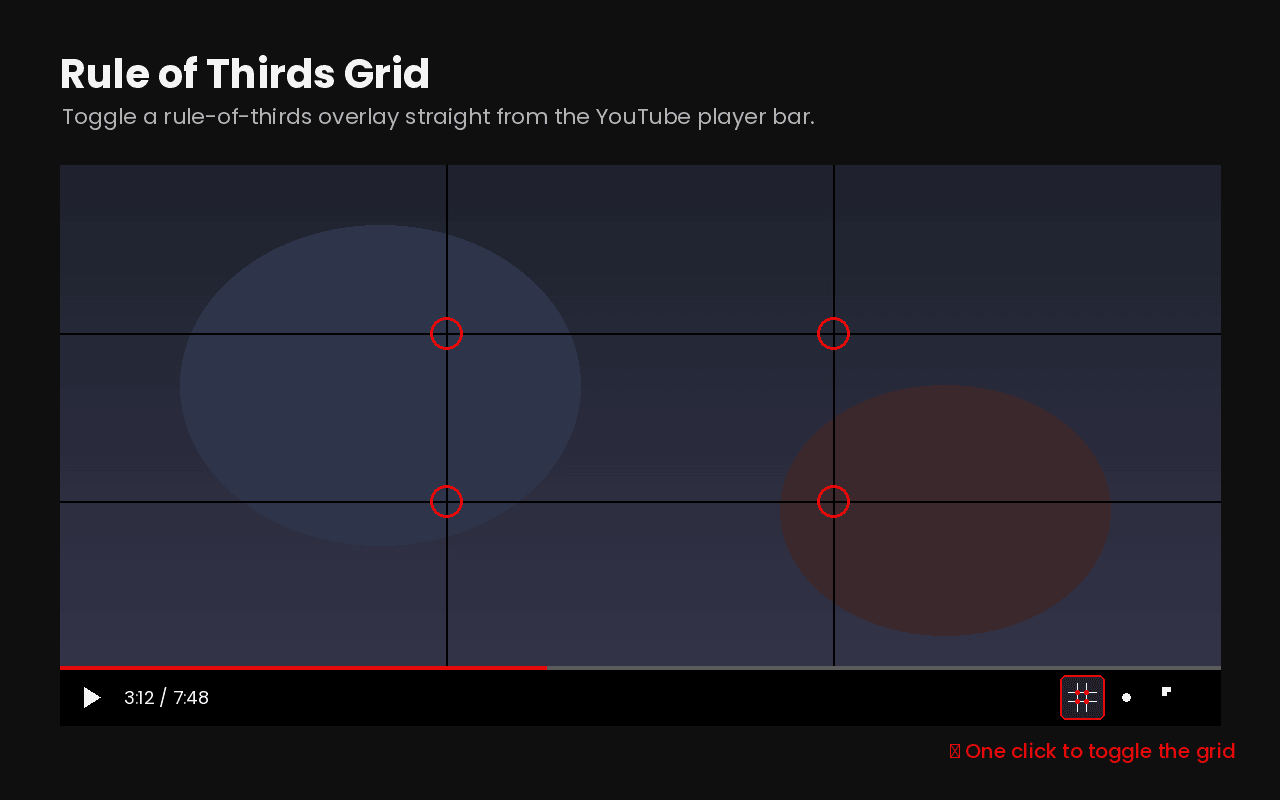
Rule of Thirds Grid is a free Chrome extension that lays a 3×3 composition grid over any YouTube video. You switch it on with one click on the grid icon in the player bar, the four rule-of-thirds intersections are marked in red, and the grid scales automatically in theater mode and fullscreen. I built it as a music video director, to read the framing in other people's videos faster.
At a glance.
- Price
- Free. No trial, no in-app purchases, no sign-up.
- Browser
- Google Chrome and every Chromium browser, including Edge, Brave and Opera.
- Works on
- youtube.com, including theater mode and fullscreen.
- Permissions
- Only “storage”, so the on-off state survives.
- Data
- No tracking, no account, nothing sent to a server.
- Built by
- Loss, music video director from Erfurt, Germany, working since 2017.
What is the rule of thirds?
The rule of thirds splits an image into nine equal parts with two vertical and two horizontal lines. The subject doesn't sit in the middle but on one of those lines, or on one of the four intersections. The frame reads more open and less static than a centered composition. In music videos, eyes, horizons and vanishing points land on these lines almost every time, even though nobody consciously notices while watching.
Why you'd want this on YouTube
YouTube holds basically every reference there is: every music video, every trailer, every piece of camera work you care about. But watching normally, you only see that a frame looks good, never why. With the grid over the player you see immediately where the director placed the subject and how consistently they hold it across a whole clip. That's the fastest way to build an eye for framing, especially early on when you've never been inside a film school.
What the extension does.
One click, no setup
The button sits right in the YouTube player bar. No menu, no sign-up.
Intersections marked
The four points a subject should land on are highlighted in red.
Theater mode and fullscreen
The grid scales along automatically and stays clean on the image.
Remembers its state
On stays on, even after you switch videos.
Who it's for.
- Beginners who want to learn framing from real videos instead of books.
- Videographers and editors pulling references apart before a shoot.
- Photographers training composition on moving images.
- Anyone who wants to know why a particular frame works.
Why I built it.
I started in 2017, no film school, straight onto set. I learned by watching videos and taking them apart in my head until I understood why a frame holds. At some point I realised that exact step can be automated: put a grid over it and the composition is right there. No tool existed that sits inside the YouTube player and turns on with a single click, so I built one. I put it in the store because other people hit the same wall early on and nobody should have to pay for that.
Frequently asked.
- Does the extension cost anything?
- No. Rule of Thirds Grid is completely free. There's no trial, no in-app purchase and no sign-up.
- Does the grid work in fullscreen?
- Yes. In theater mode and fullscreen the grid scales along with the player and stays clean on the image.
- Does the extension collect data?
- No. The only permission it requests is “storage”, and that's used purely to remember whether the grid was last on or off. Nothing goes to a server.
- Does it run in Edge, Brave or Opera?
- Yes. It's built on Manifest V3 and runs in every Chromium-based browser. It does not work in Firefox or Safari.
- What happens on videos with black bars?
- The grid covers the whole player area. If a video has a different aspect ratio than the player, the grid sits over the bars too, not exactly on the cropped image.
- Is there a golden ratio grid as well?
- Not right now, only the 3×3 rule-of-thirds grid. If you need something else, write me and I'll look at building it in.
- Why is it free?
- Because I was missing it myself. I built it for my own work and put it in the store afterwards. I don't sell it and I don't want anything for it.
- Who is behind the extension?
- Loss, a music video director from Erfurt, Germany, working since 2017. On lossvisuals.com you can see the videos I use the grid on myself.
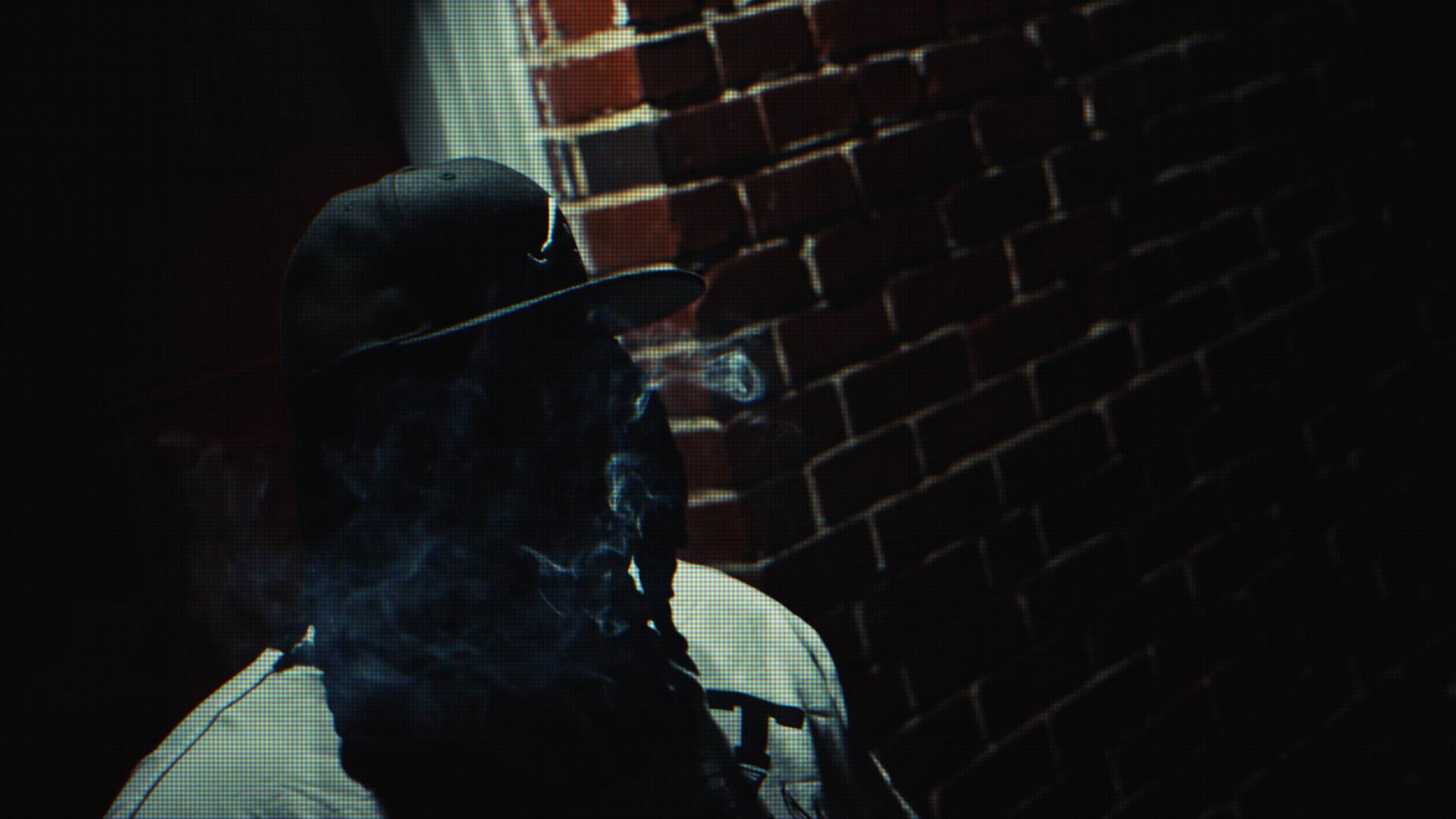
And here's what it looks like applied.
The grid is just the tool. What comes out when you take framing seriously is in my music videos.