
YouTube Thumbnail Saver.
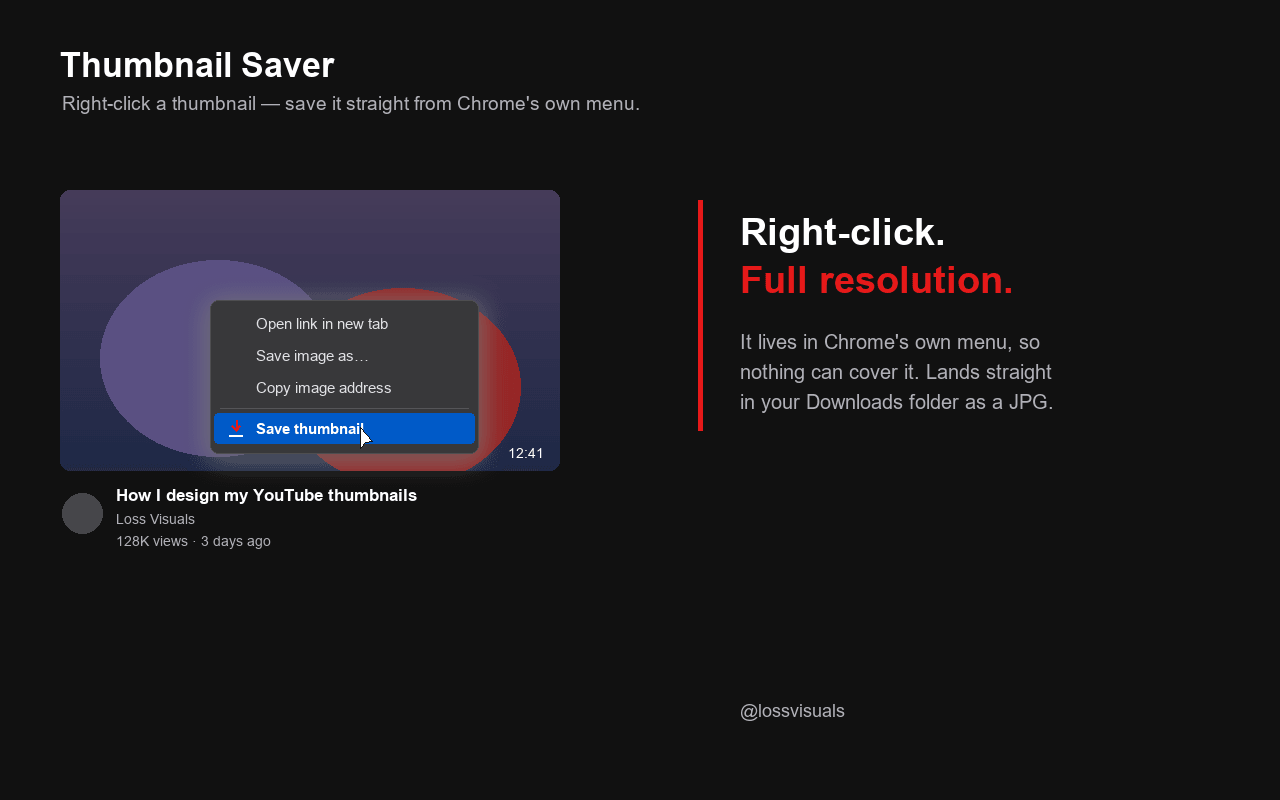
YouTube Thumbnail Saver is a free Chrome extension. It adds a "Save thumbnail" entry to Chrome's own right-click menu on YouTube. Right-click any video thumbnail, whether on the homepage, in search, in playlists, in the sidebar or on Shorts, and it downloads that video's thumbnail at the highest resolution available as a JPG into your Downloads folder, named after the video title. I built it because designing thumbnails meant pulling references out of i.ytimg.com URLs by hand every time.
At a glance.
- Price
- Free. No trial, no in-app purchases, no sign-up.
- Browser
- Google Chrome and every Chromium browser like Edge, Brave and Opera. Not Firefox, not Safari.
- Works on
- youtube.com: homepage, search results, playlists, channels, sidebar, Shorts and the watch page.
- Resolution
- The highest YouTube provides, up to 1280×720. If there's no maxres version, it falls back to the next size down.
- Permissions
- "downloads" and "contextMenus". Nothing else.
- Data
- No tracking, no account, no data sent to any server of mine. Image data only comes from YouTube's thumbnail servers.
- Built by
- Loss, music video director from Erfurt, Germany, working since 2017.
What the extension does.
Entry in the right-click menu
"Save thumbnail" sits in Chrome's own context menu. No overlay button that covers something or fights YouTube's hover preview.
Highest resolution available
The extension picks the best version automatically and falls back gracefully when a video has no maxres preview.
Straight to Downloads
The image lands as a JPG in your Downloads folder, named after the video title. No extra tab, no copying image URLs.
Button on the watch page
For the video you're watching, a "Thumbnail" button sits next to Download. A short on-screen note confirms the resolution saved.
Who it's for.
- Thumbnail designers collecting references.
- YouTubers taking apart other channels' thumbnails.
- Editors building mood boards.
- Anyone tired of pulling thumbnails out of i.ytimg.com links by hand.
Why I built it.
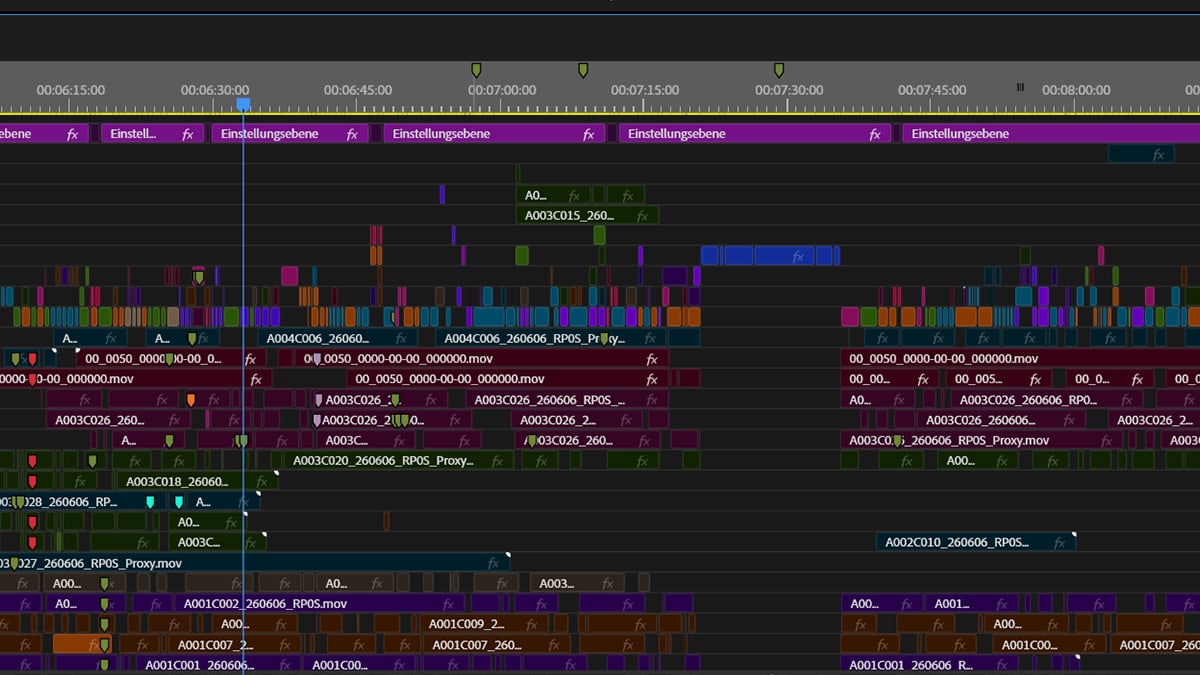
I edit and design music videos, and that includes the YouTube thumbnails. Researching them, I kept wanting a video's preview image at full size, and every time it came down to the same detour: open the page source, find the i.ytimg.com URL, append maxresdefault, save the image. So I put that into a single right-click. I published it because other people take the same detour and nobody should pay for it.
Common questions.
- Does the extension cost anything?
- No. YouTube Thumbnail Saver is completely free. No trial, no in-app purchases, no sign-up.
- What resolution does it save?
- The highest YouTube provides for that video, up to 1280×720. If a video has no maxres preview, the extension automatically takes the next size down.
- Where does the file go?
- It saves as a JPG in your Downloads folder, named after the video title. No extra tab opens.
- Does it work on Shorts and in the sidebar?
- Yes. The entry shows on every thumbnail: homepage, search, playlists, channel pages, sidebar and Shorts. On the watch page there's also a button next to Download.
- Does the extension collect data?
- No. No tracking, no account, no data sent to any server of mine. The only permissions are "downloads" and "contextMenus", and image data comes solely from YouTube's own thumbnail servers.
- Does it run in Edge, Brave or Opera?
- Yes. It's built to Manifest V3 and runs in every Chromium browser. It does not work in Firefox or Safari.
- Why is it free?
- Because I built it for my own work. I don't sell it and I don't want anything for it.
- Who's behind it?
- Loss, music video director from Erfurt, Germany, working since 2017. On lossvisuals.com you can see the videos I use the extension for.
And here's what my work looks like.
The extension is just a tool for research. What comes out of the work is in my music videos.